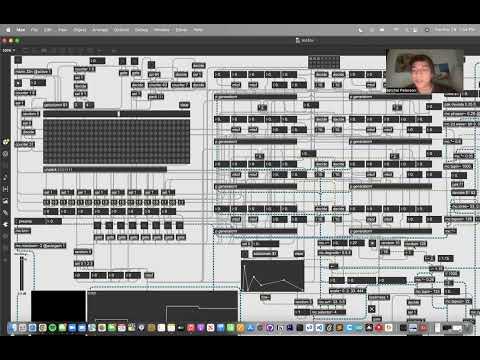
MaxPyLang is a Python package for metaprogramming of MaxMSP that uses Python to generate and edit Max patches. MaxPyLang allows users to move freely between text-based Python programming and visual programming in Max, making it much easier to implement dynamic patches, random patches, mass-placement and mass-connection of objects, and other easily text-programmed techniques.
As a text-based interface to MaxMSP, MaxPyLang enables vibecoding of Max patches with a coding agent (Claude Code, Cursor, Codex, etc). See Using MaxPyLang with a coding agent.
We publish our package on Pypi as MaxPyLang. It is easiest to install from there.
python3 -m venv .venv
source .venv/bin/activate  # On Windows: .venv\Scripts\activate
pip install maxpylangAfter installing, run this once in your project folder:
maxpylang setup-agentIf your shell cannot find maxpylang, run python -m maxpylang setup-agent instead.
This writes a guide to the MaxPyLang API into AGENTS.md, which most coding agents read on their own, and adds one line (@AGENTS.md) to CLAUDE.md so Claude Code reads it too. Anything else in those files is kept. Run it again after upgrading MaxPyLang to refresh the guide.
See this example in examples/hello_world.
To run this, python3 examples/hello_world/main.py will create a Max patch file hello_world.maxpat that contains a simple audio oscillator connected to the DAC.
You can then open this patch in MaxMSP and click the DAC to hear a 440 Hz tone.
import maxpylang as mp
from maxpylang.objects import cycle_tilde, ezdac_tilde

patch = mp.MaxPatch()
osc = patch.place(cycle_tilde(440))[0]
dac = patch.place(ezdac_tilde)[0]
patch.connect((osc.outs[0], dac.ins[0]))
patch.save("hello_world.maxpat")Written this way (objects from maxpylang.objects, (outlet, inlet) tuples in connect()), a type checker catches two mistakes before the script runs: audio wired into an inlet that takes only messages (cycle~ into flonum), and an inlet or outlet number that does not exist. In VS Code, set Python › Analysis: Type Checking Mode to basic to see them as you type (it is off by default). Or run:
pip install pyright
pyright your_script.py
Running the script with python checks the first mistake too, for every connection, including objects placed by string and the list form: it prints a ConnectionWarning at the line that made the bad cord, and save() ends with one line counting every problem, e.g. saved feedback.maxpat (4 objects, 4 cords, 1 problem, see warning above). The cord is still saved, so fix every warning.
MaxPy was published as a demo paper for NIME 2023. The package name was updated to MaxPyLang in 2025 to avoid confusion with other similarly named packages.
We post demos, tutorials, and generated patch examples on our YouTube channel:
-> https://youtube.com/@fishpyler
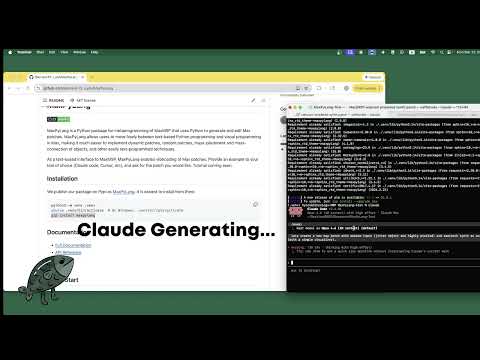
A demo showing MaxPyLang generating a Jitter patch programmatically, demonstrating dynamic patch creation and integration with visual systems.
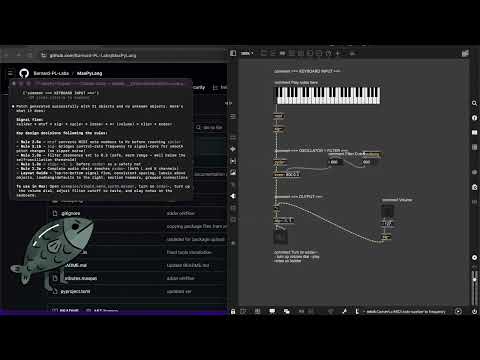
Walkthrough of generating a basic Max patch using Python, including object placement and connections.
More videos (including tutorials and advanced examples) coming soon!
Mark demonstrates the basics of installing MaxPy, creating patches, and placing objects.
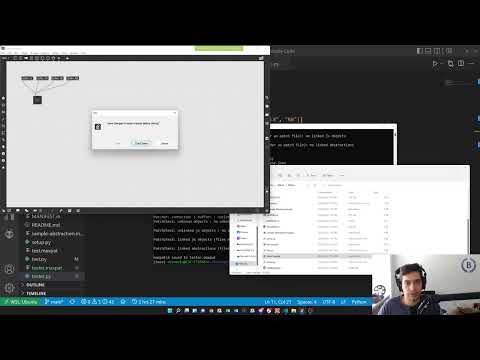
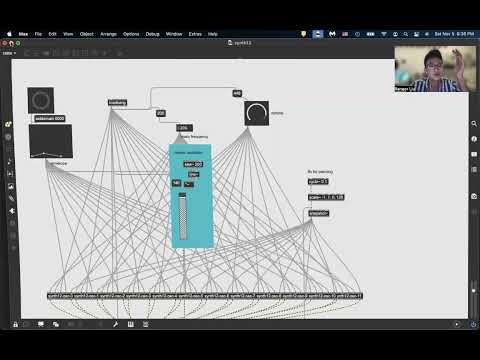
Ranger explains a MaxPy script that dynamically generates an additive synth with a variable number of oscillators. The code for this synth is under examples/variable-osc-synth.
Satch explains using the replace() function to selectively replace objects in a loaded patch to sonify stock data. The code for this is under examples/stocksonification_v1.