
A modern Minecraft modding library for UI, rendering, synchronization, persistence, and in-game editors.






Documentation | Java Integration | UI Guide | Compose | Discord | CurseForge | Modrinth
LDLib2 is a complete rewrite of the original LDLib, redesigned around modern Minecraft and NeoForge development. It gives mod authors a higher-level foundation for building UI, in-game tools, renderer-backed content, synchronized data, and persistent runtime systems without rebuilding the same infrastructure in every project.
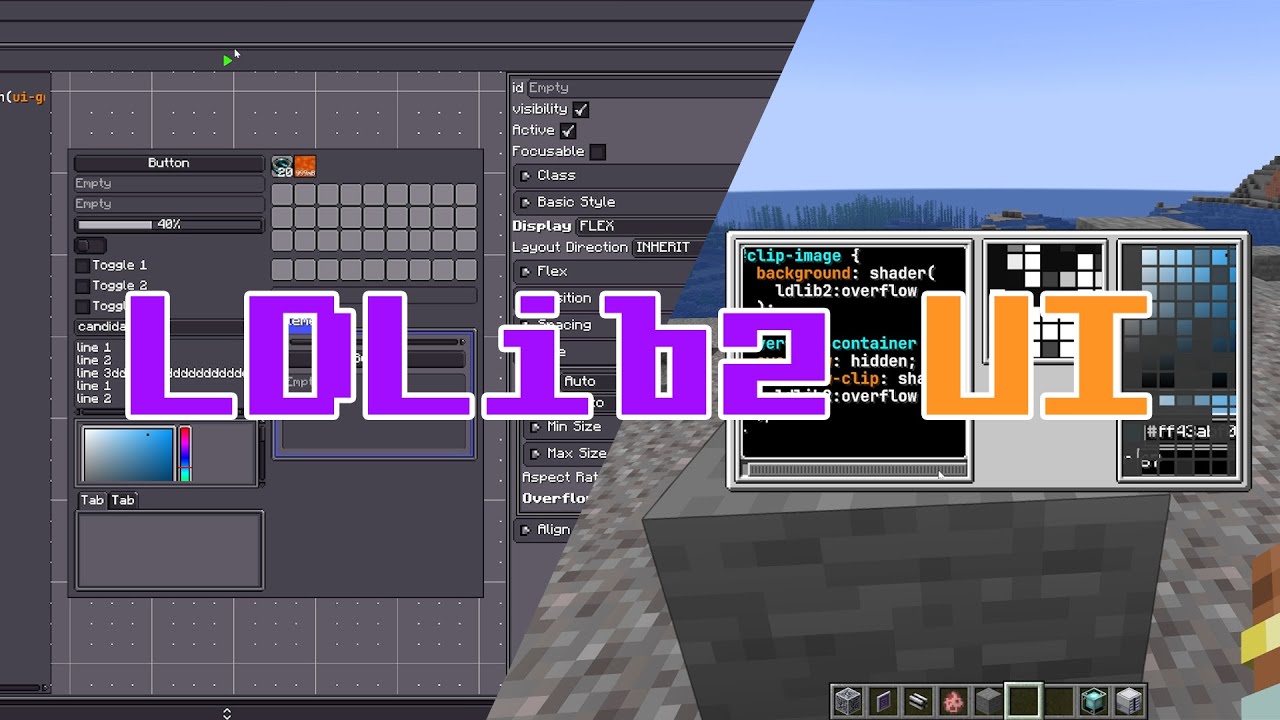 LDLib2 UI Build Minecraft screens with Taffy-powered layout, LSS stylesheets, reusable components, XML definitions, data bindings, RPC events, and HUD overlays. |
 Compose UI Write screens in Kotlin as a function of state on the Compose runtime. Lists, tabs, and dialogs follow your data, and every widget is a real LDLib2 element. Ships as the optional ldlib2-compose module.
|
 Data Synchronization and Persistence Annotate fields with @Persisted, @DescSynced, and RPC helpers to generate NBT IO, codecs, dirty-field sync, and packet flow with minimal boilerplate.
|
 Configurable Turn annotated Java objects into inspector-ready property panels, including ranges, selectors, lists, item and fluid pickers, search fields, undo history, and persistence. |
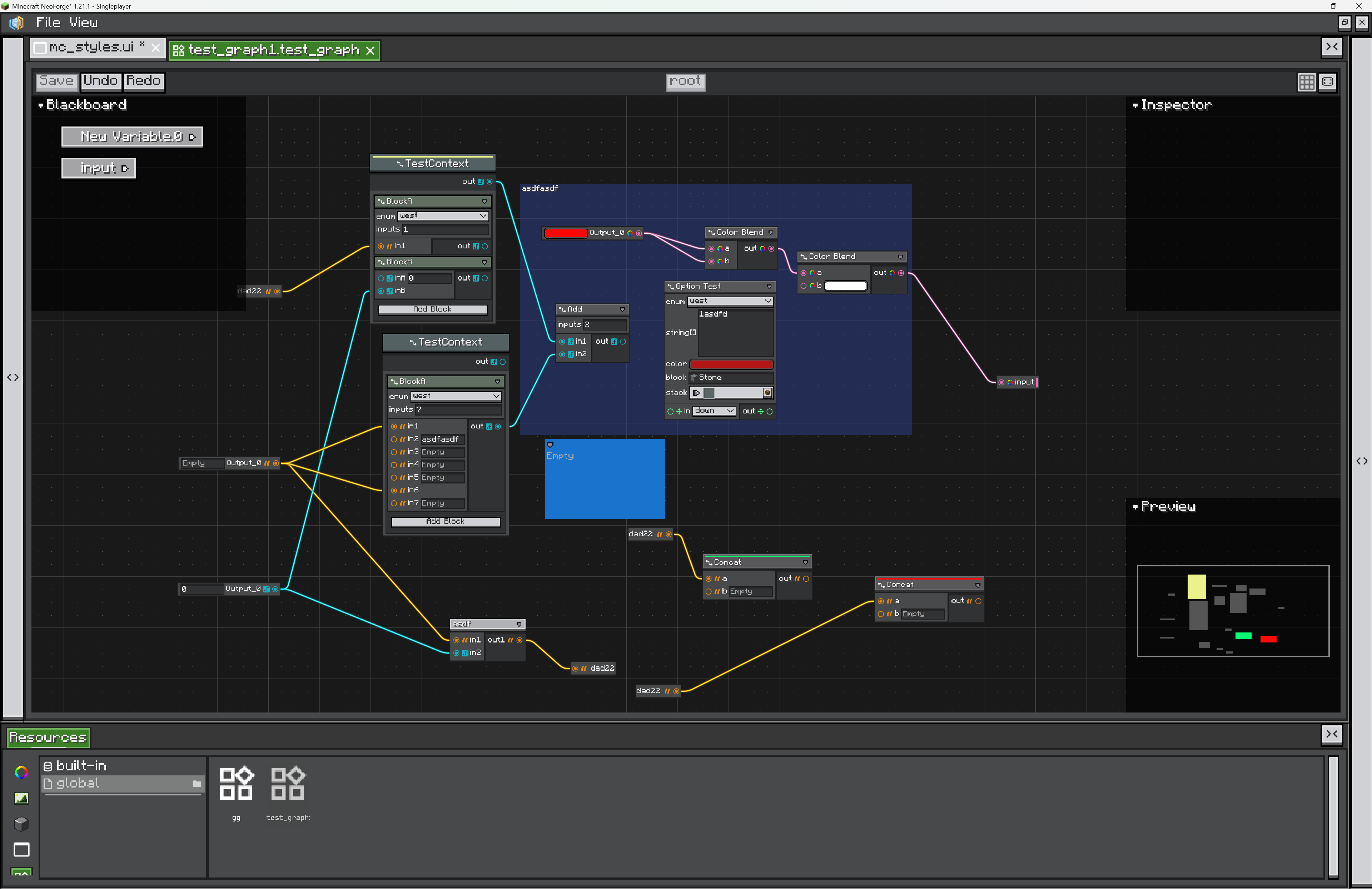 Node Graph Toolkit Create in-game graph editors with nodes, ports, wires, variables, subgraphs, blackboards, auto layout, undoable commands, and resource-backed graph assets. |
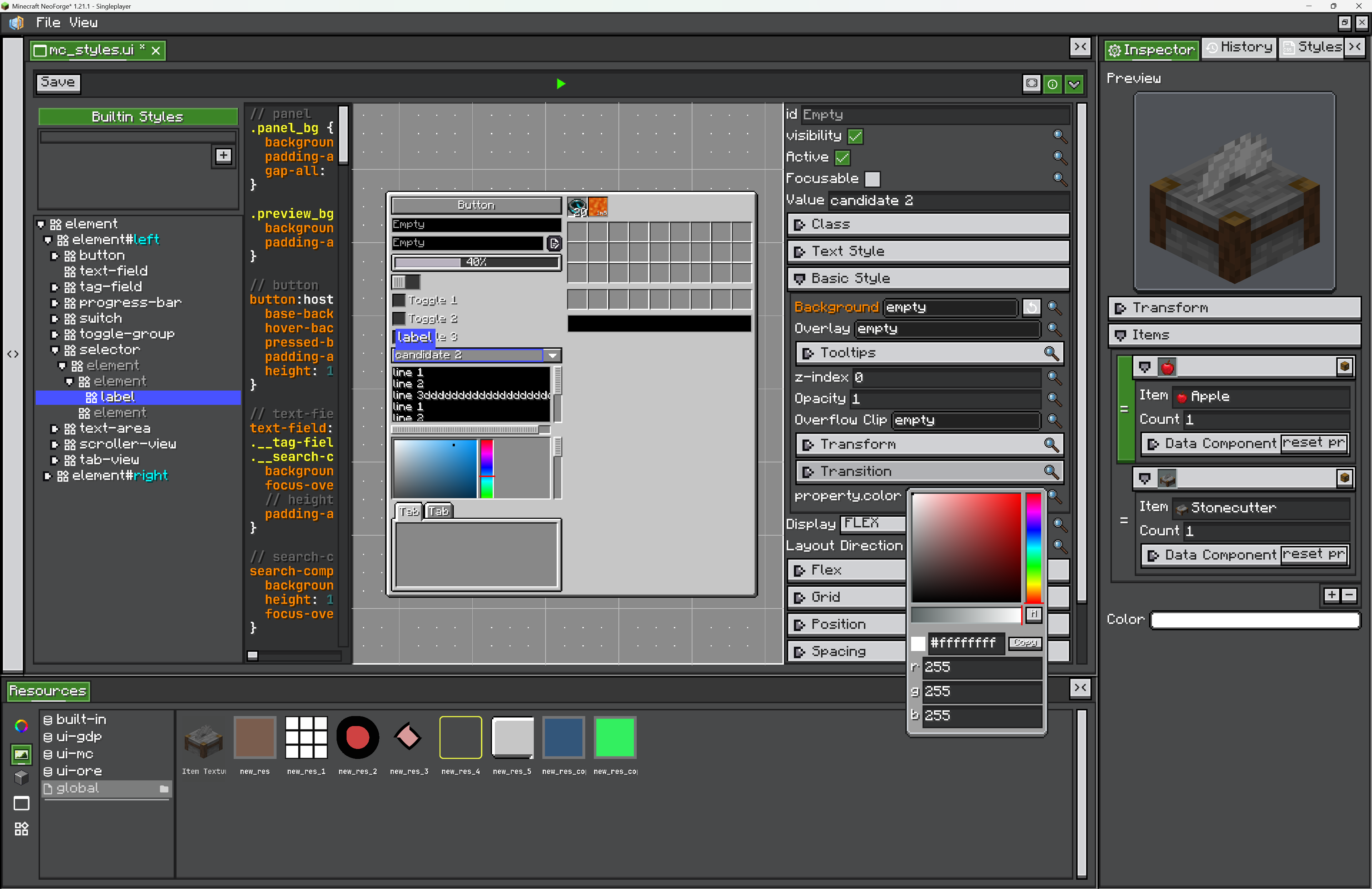 In-game Editor Framework Build Unity-, Blender-, or Blockbench-style tools with dockable views, project files, an asset browser, inspectors, history, rebindable shortcuts, and settings. |
 Rendering and Integrations Use LDLib2's shader, texture, model rendering, and scene utilities together with JEI, REI, EMI, KubeJS, and Java plugin entry points. |
 UI Test Harness Script scenarios that open real UIs in a real client, click and type through them, wait for server sync, and save screenshots and reports. Runs headless, in parallel, or on a dedicated server with several clients. |
LDLib2 is published to the FirstDark Maven snapshots repository.
repositories {
    maven { url = "https://maven.firstdark.dev/snapshots" }
}

dependencies {
    implementation("com.lowdragmc.ldlib2:ldlib2-neoforge-${minecraft_version}:${ldlib2_version}:all")
}
For LDLib2 versions before 2.2.1, disable transitive dependencies and add Yoga manually:
dependencies {
    implementation("com.lowdragmc.ldlib2:ldlib2-neoforge-${minecraft_version}:${ldlib2_version}:all") {
        transitive = false
    }
    compileOnly("org.appliedenergistics.yoga:yoga:1.0.0")
}
Recommended project variables:
minecraft_version=1.21.1
ldlib2_version=2.2.44Compose UI is a separate mod, ldlib2-compose, that your mod ships as Jar-in-Jar. It is written against Kotlin and needs the Kotlin Compose compiler plugin at the same version as your Kotlin plugin.
Its version starts with the Minecraft line it is built for: 21.0.0.1 is the first release for 1.21.1, and each Minecraft version gets its own build. Only 1.21.1 is published so far.
dependencies {
    implementation "com.lowdragmc.ldlib2:ldlib2-compose-1.21.1:21.0.0.1"
    jarJar(group: 'com.lowdragmc.ldlib2', name: 'ldlib2-compose-1.21.1') {
        version { require '[21.0.0.1,)'; prefer '21.0.0.1' }
    }
}
See Optional module: ldlib2-compose for the plugin, repository, and neoforge.mods.toml setup.
Create a plugin class when your mod needs to register LDLib2 resources, integrations, or startup hooks.
import com.lowdragmc.lowdraglib2.plugin.ILDLibPlugin;
import com.lowdragmc.lowdraglib2.plugin.LDLibPlugin;

@LDLibPlugin
public class MyLDLibPlugin implements ILDLibPlugin {
    @Override
    public void onLoad() {
        // Register LDLib2 extensions here.
    }
}This creates a small ModularUI with a label, a button, and a styled root element.
public class MyScreenUi {
    public static ModularUI createUi() {
        var root = new UIElement()
                .layout(layout -> layout.paddingAll(7).gapAll(5))
                .style(style -> style.background(Sprites.BORDER));

        root.addChildren(
                new Label().setText("My First LDLib2 UI"),
                new Button()
                        .setText("Click Me")
                        .setOnClick(event -> {
                            // Handle the click here.
                        })
        );

        return ModularUI.of(UI.of(root));
    }
}
For a full walkthrough, see the UI Getting Started guide.
With Compose UI, the screen is a Kotlin function of its state, and changing the state updates the elements:
@Composable
fun Counter() {
    var count by remember { mutableStateOf(0) }

    Column(layout = { width(120.px); padding { all(6.px) }; gap { all(4.px) } }) {
        Text("Clicked $count times")
        Button(onClick = { count++ }, text = "Click")
    }
}

fun openCounter() {
    val mc = Minecraft.getInstance()
    val mui = composeModularUI(mc.player, StylesheetManager.MODERN) { Counter() }
    mc.setScreen(ModularUIScreen(mui, Component.literal("Counter")))
}If you develop with LDLib2, install the LDLib Dev Tool IDEA plugin for editor assistance around LDLib2-specific files and annotations. The Java Integration guide covers code highlighting, syntax checks, jump-to-definition, autocomplete, and annotation support.
LDLib2 is not a small patch over LDLib. It removes old systems and rebuilds the core architecture for Minecraft 1.21+.
- Legacy UI and outdated framework pieces have been removed.
- UI layout, styling, events, and data flow have been redesigned.
- Documentation and examples are written around the new architecture.
- Compatibility work focuses on modern NeoForge and current modding integrations.
- Documentation
- GitHub repository
- CurseForge project
- Modrinth project
- Discord community
- Original LDLib
LDLib2 is licensed under the LGPL-3.0 license.