

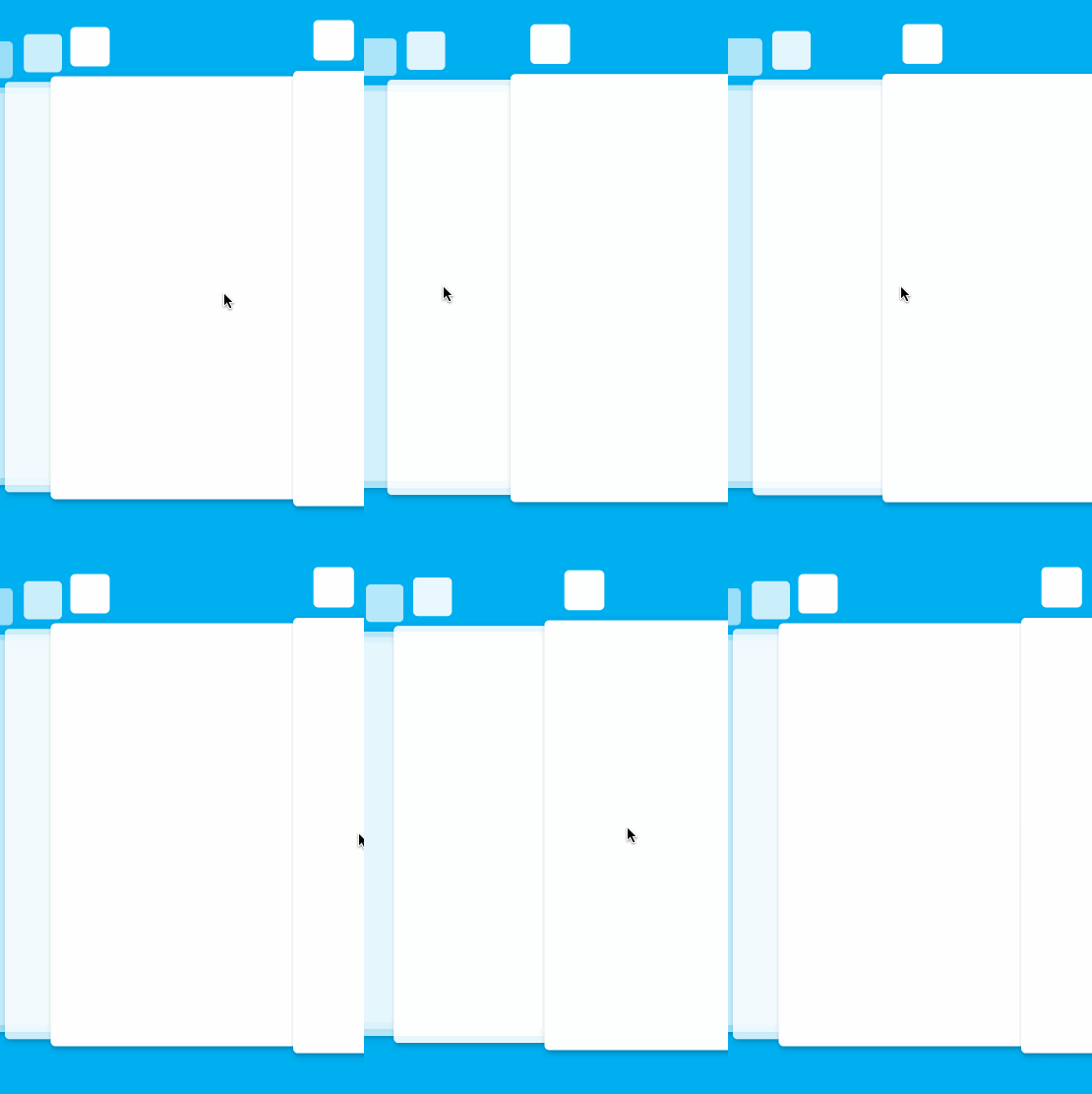
2. The iOS 9 task switcher animation can be implemented in ten minutes with the support of this lib:
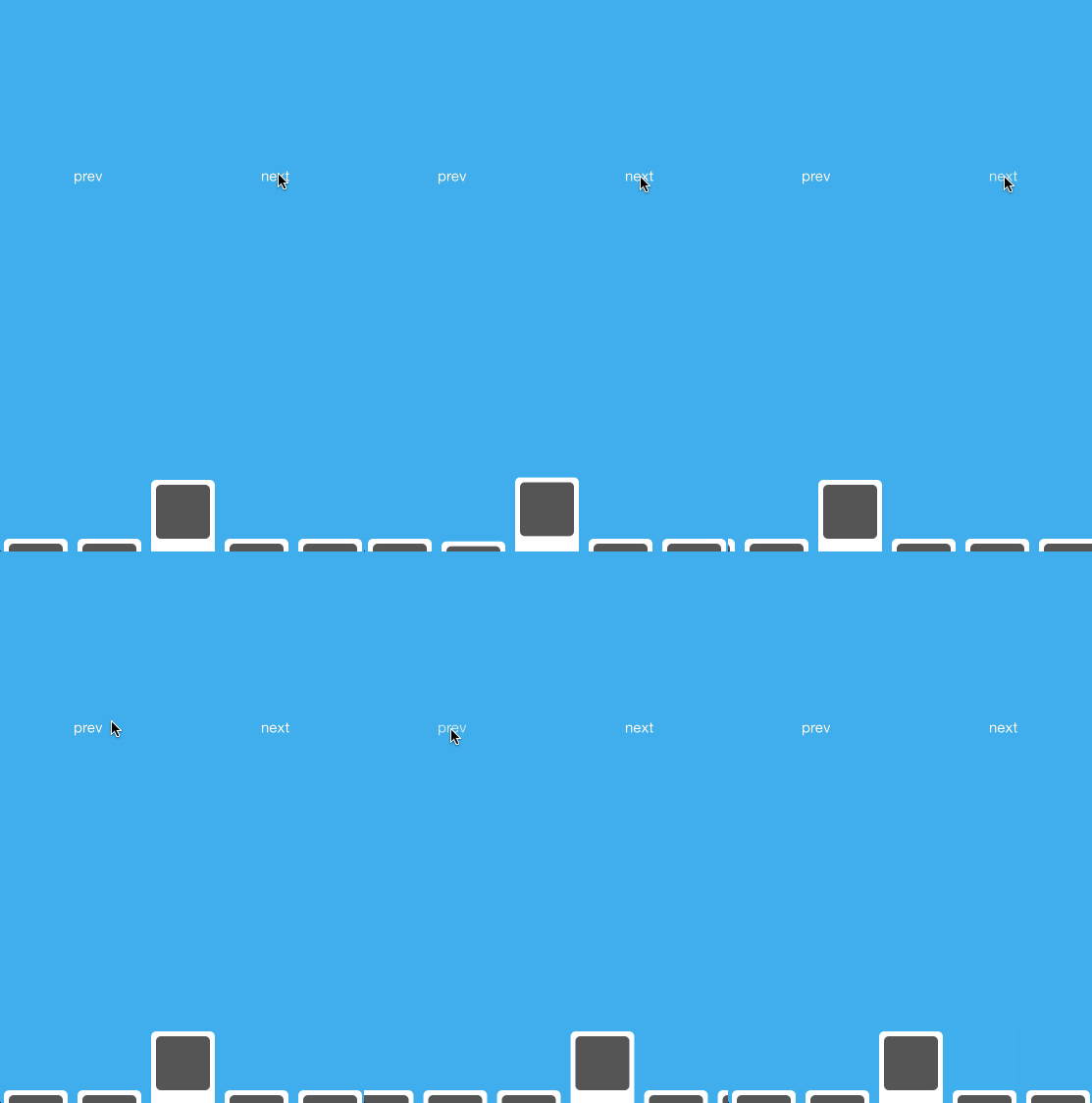
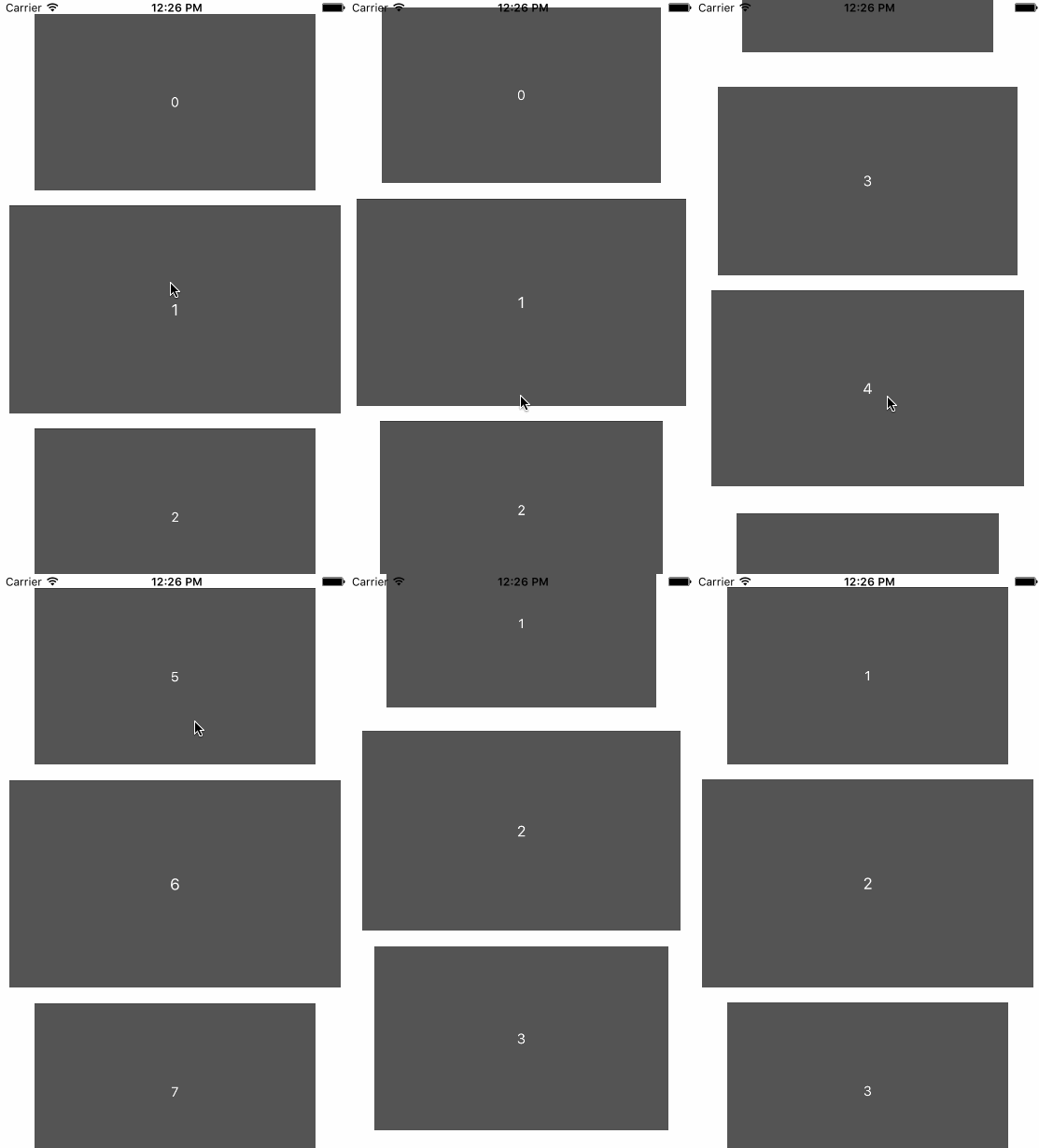
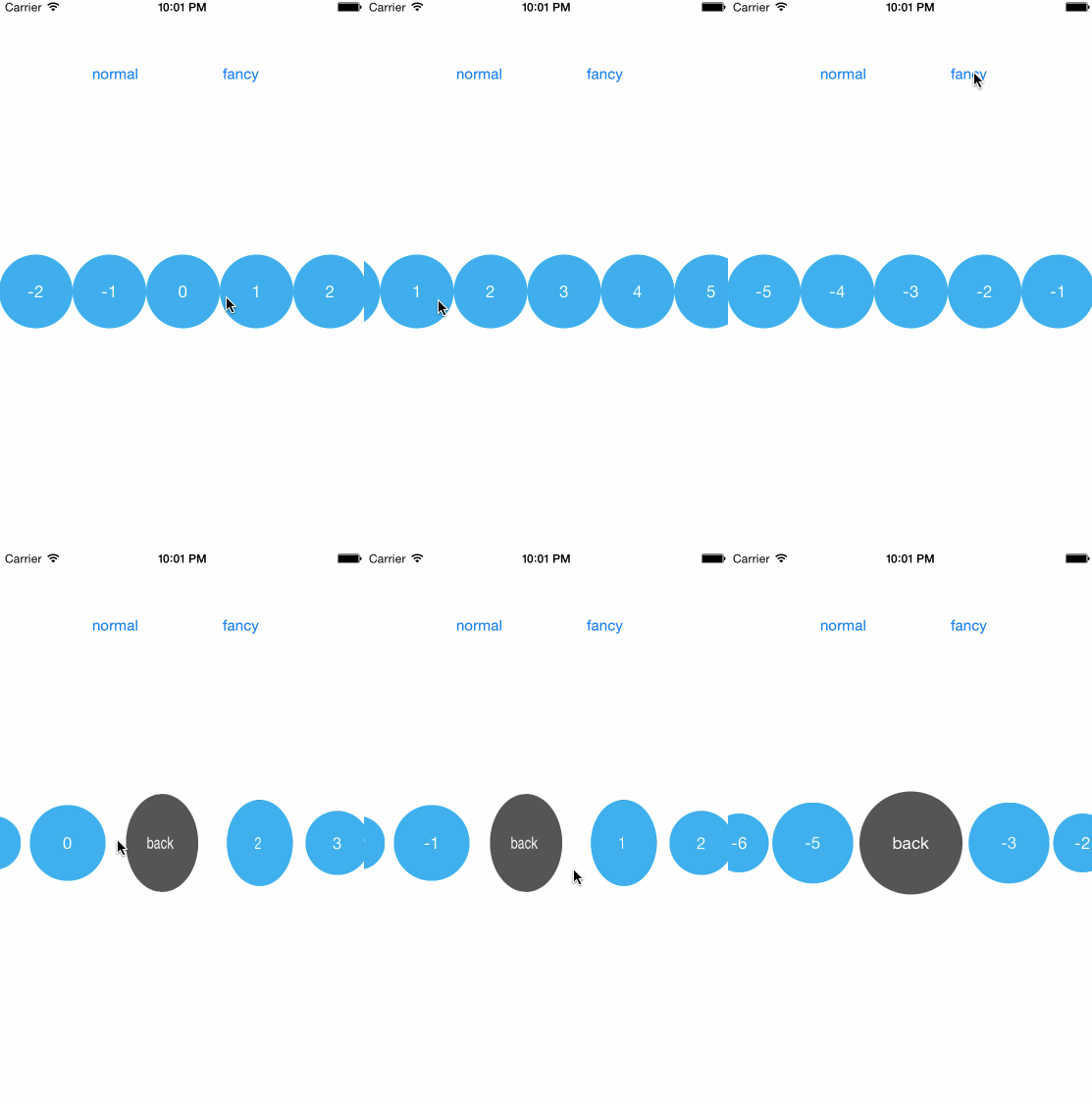
Create the scroll view by:
self.scrollView = [[LTInfiniteScrollView alloc] initWithFrame:CGRectMake(0, 0, CGRectGetWidth(self.view.bounds), 200)];
[self.view addSubview:self.scrollView];
self.scrollView.dataSource = self;
[self.scrollView reloadDataWithInitialIndex: 0];
Then implement LTInfiniteScrollViewDataSource protocol:
@protocol LTInfiniteScrollViewDataSource<NSObject>
- (UIView *)viewAtIndex:(NSInteger)index reusingView:(UIView *)view;
- (NSInteger)numberOfViews;
- (NSInteger)numberOfVisibleViews;
@end
Sample code:
- (NSInteger)numberOfViews
{
    // you can set it to a very big number to mimic the infinite behavior, no performance issue here
    return 9999;
}

- (NSInteger)numberOfVisibleViews
{
    return 5;
}

- (UIView *)viewAtIndex:(NSInteger)index reusingView:(UIView *)view;
{
    if (view) {
        ((UILabel *)view).text = [NSString stringWithFormat:@"%ld", index];
        return view;
    }

    UILabel *aView = [[UILabel alloc]initWithFrame:CGRectMake(0, 0, 64, 64)];
    aView.backgroundColor = [UIColor blackColor];
    aView.layer.cornerRadius = 32;
    aView.layer.masksToBounds = YES;
    aView.backgroundColor = [UIColor colorWithRed:0/255.0 green:175/255.0 blue:240/255.0 alpha:1];
    aView.textColor = [UIColor whiteColor];
    aView.textAlignment = NSTextAlignmentCenter;
    aView.text = [NSString stringWithFormat:@"%ld", index];
    return aView;
}
LTInfiniteScrollView interface:
@interface LTInfiniteScrollView: UIView
@property (nonatomic, readonly) NSInteger currentIndex;
@property (nonatomic, weak) id<LTInfiniteScrollViewDataSource> dataSource;
@property (nonatomic, weak) id<LTInfiniteScrollViewDelegate> delegate;
@property (nonatomic) BOOL verticalScroll;
@property (nonatomic) BOOL scrollEnabled;
@property (nonatomic) BOOL pagingEnabled;
@property (nonatomic) BOOL bounces;
@property (nonatomic) UIEdgeInsets contentInset;
@property (nonatomic) NSInteger maxScrollDistance;

- (void)reloadDataWithInitialIndex:(NSInteger)initialIndex;
- (void)scrollToIndex:(NSInteger)index animated:(BOOL)animated;
- (UIView *)viewAtIndex:(NSInteger)index;
- (NSArray *)allViews;
@end
If you want to apply any animation during scrolling, implement LTInfiniteScrollViewDelegate protocol:
@protocol LTInfiniteScrollViewDelegate<NSObject>
- (void)updateView:(UIView *)view withProgress:(CGFloat)progress scrollDirection:(ScrollDirection)direction;
@end
The value of progress indicates the relative position of that view, if there are 5 visible views, the value will be ranged from -2 to 2:
|                  |
|-2  -1   0   1   2|
|                  |
You can clone the project and investigate the example for details.
Here's the Swift version: https://github.com/ltebean/LTInfiniteScrollView-Swift