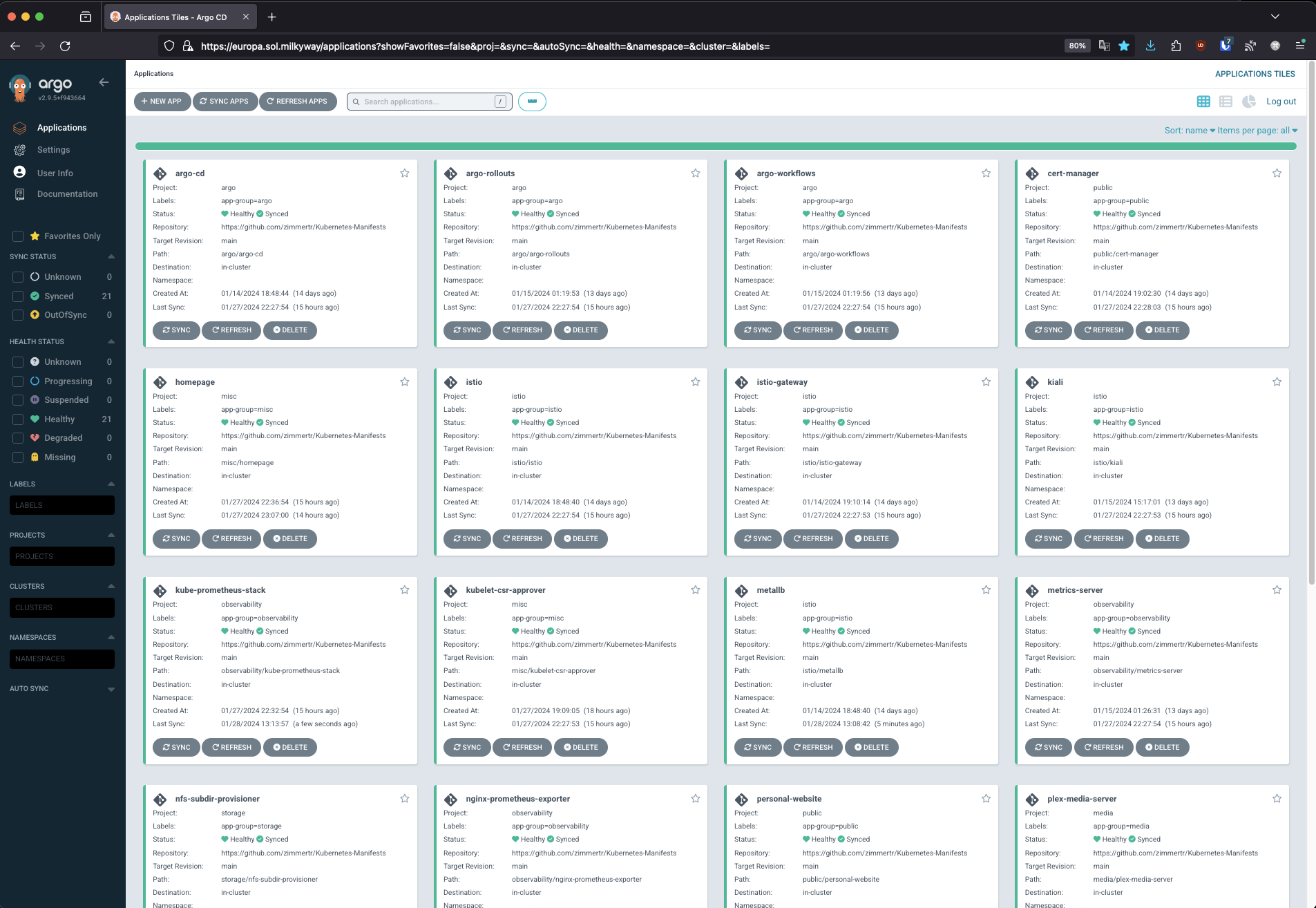
This repository contains a collection of Kustomize projects and Argo CD resources used to deploy applications to Kubernetes.
Using Proxmox? Consider using TKS to deploy your cluster!
Assuming you're using TKS with Flannel, Istio can be used to set up Metal LB & Istio:
# You may have to run this multiple times
kustomize build istio/metallb | kubectl apply -f-
kustomize build --enable-helm istio/istio | kubectl apply -f-
kustomize build --enable-helm istio/istio-gateway | kubectl apply -f-Assuming you're using TKS and have disabled Flannel, Cilium) Can be used to install Cilium and Gateway API:
kustomize build --enable-helm cilium/gateway-api | kubectl apply -f-
kustomize build --enable-helm cilium/cilium | kubectl apply -f-
kustomize build --enable-helm misc/kubelet-csr-approver | kubectl apply -f-
Argo CD is deployed manually at first using the same Kustomize pattern:
kustomize build --enable-helm argo/argo-cd | kubectl apply -f- --server-side --force-conflictsThen bootstrap the rest of the cluster with the app-of-apps pattern. The two root Applications at the repo root recursively discover and manage every AppProject and ApplicationSet in the repository (excluding deprecated/ and any *.disable* files). Apply the projects first so they exist before the generated Applications reference them:
kubectl apply -f root-appproject.yml
kubectl apply -f root-applicationset.yml
To disable an individual resource, rename its file to match *.disable*, e.g. mv media/applicationset.yml media/applicationset.disable. It drops out of the root app's manifest set and is pruned.